Digite:
br.com.iatagan.model
No Intellij
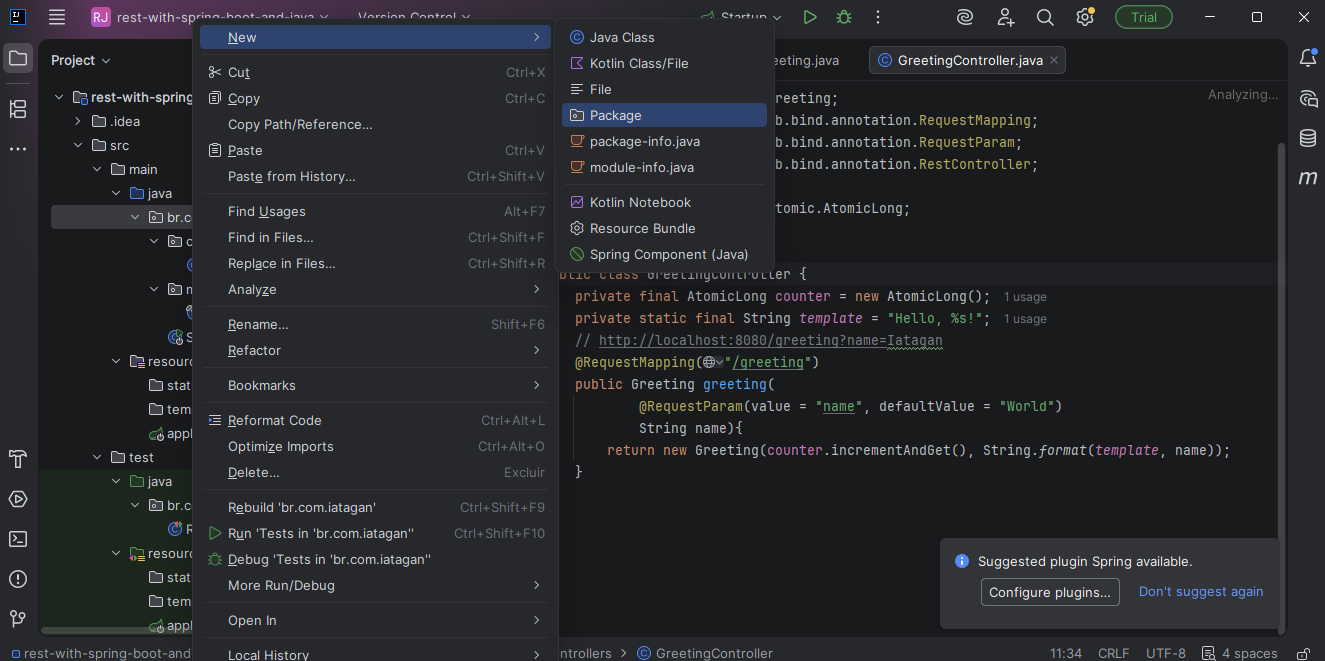
Clique com o botão direito em
br.com.iatagan
Clique em new depois em package
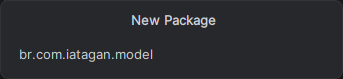
Digite:
br.com.iatagan.model
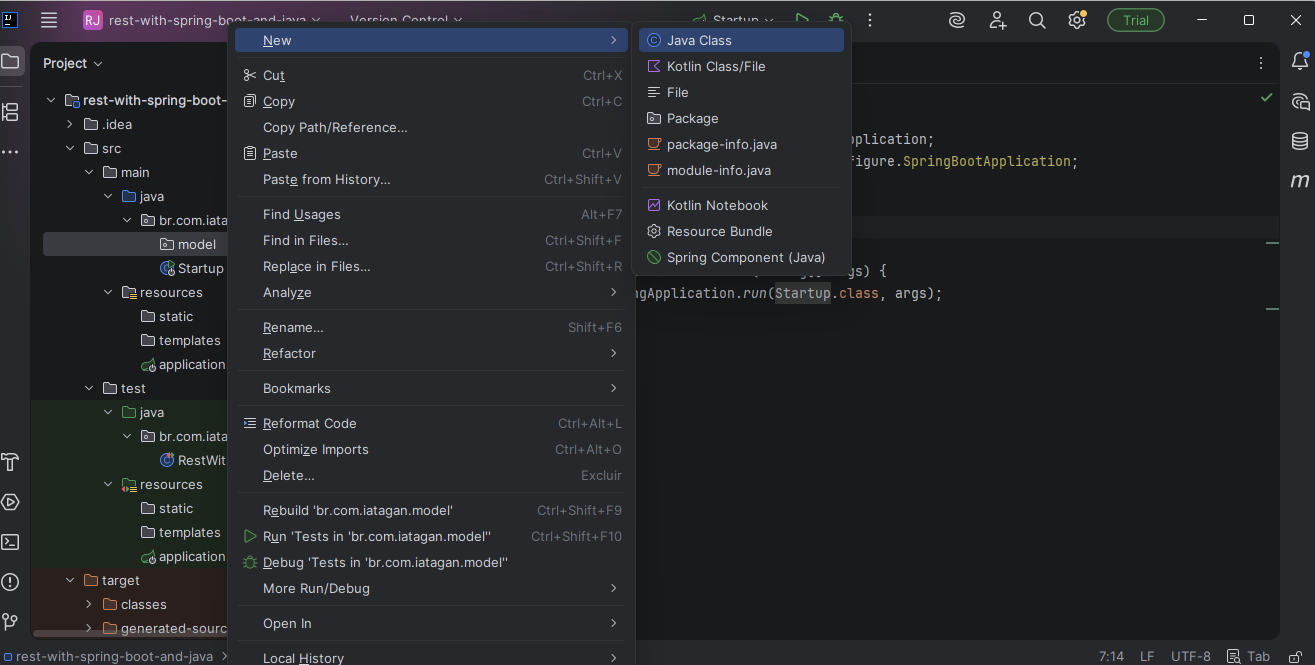
Clique com o botão direito em
br.com.iatagan.model
Clique em new depois em Class
Digite:
Greeting
E essa classe vai ser Record
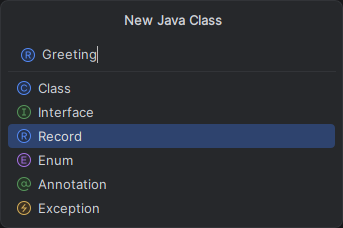
Cole o Código abaixo:
| Arquivo: Greeting.java |
package br.com.iatagan.model; public record Greeting(long id, String Content) { } |
Clique com o botão direito em
br.com.iatagan
Clique em new depois em package
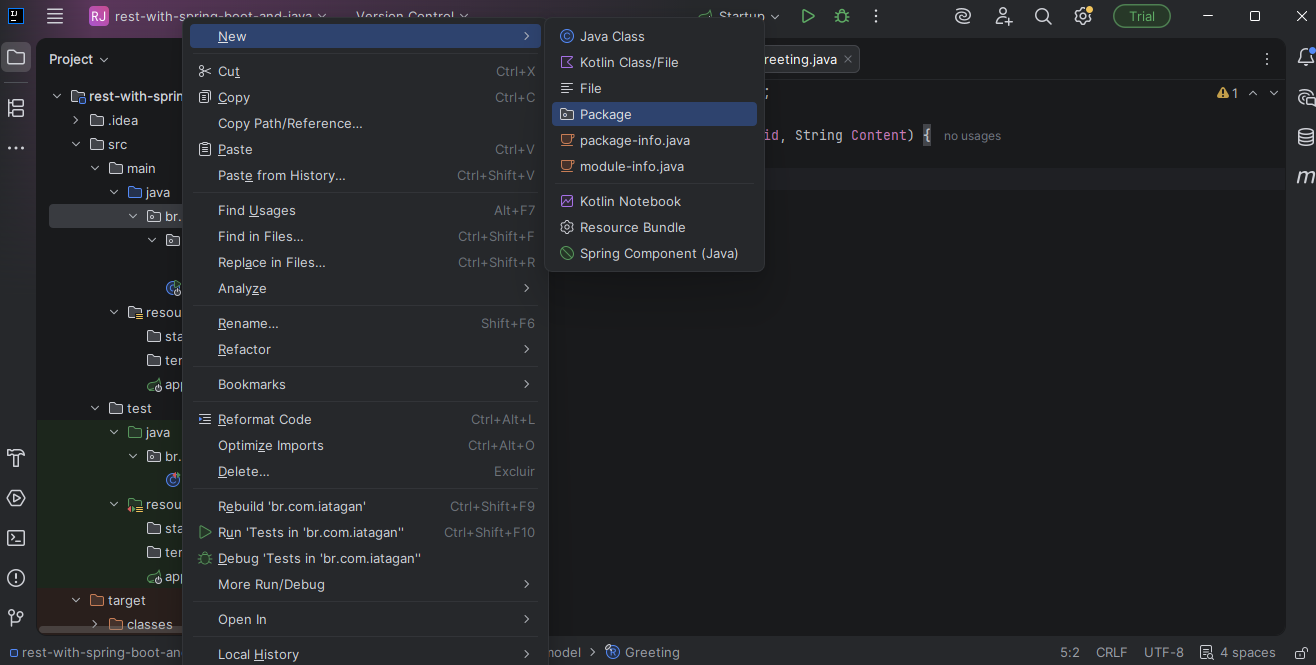
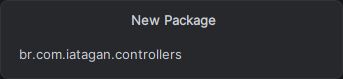
Digite:
br.com.iatagan.controllers
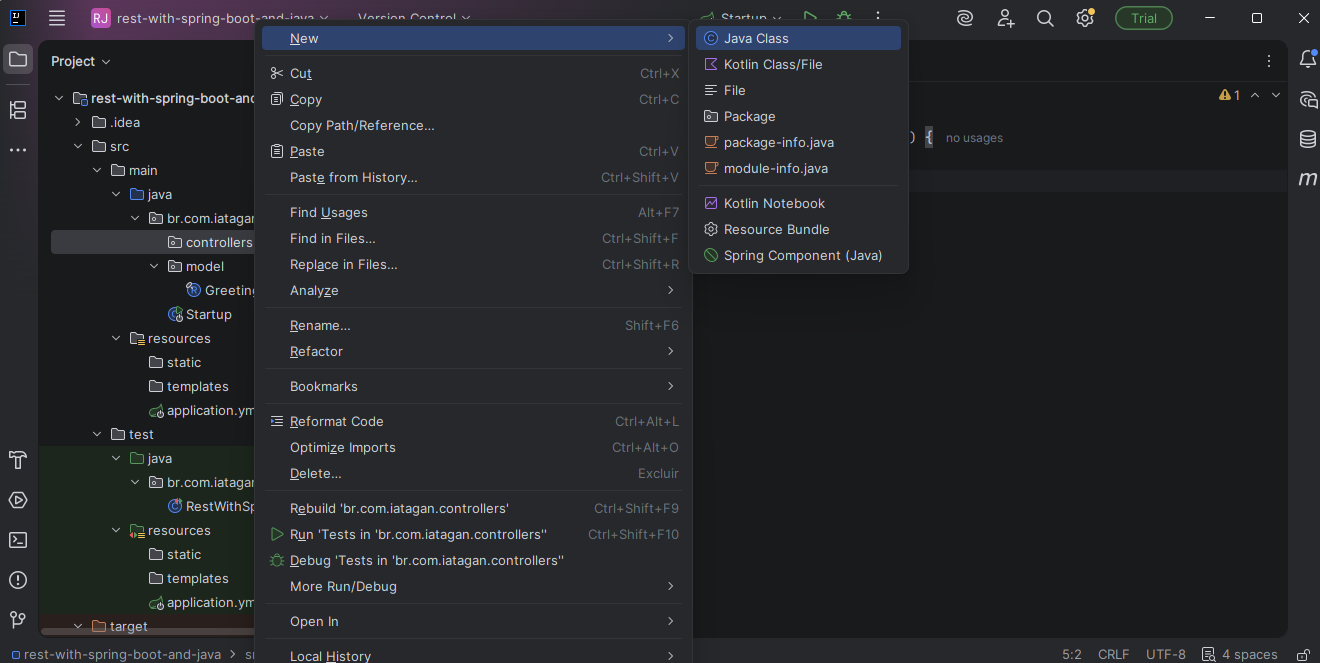
Clique com o botão direito em
br.com.iatagan.controllers
Clique em new depois em Class
Digite:
GreetingController
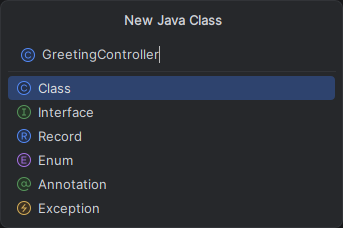
Cole o Código abaixo:
| Arquivo: GreetingController.java |
| package br.com.iatagan.controllers; import br.com.iatagan.model.Greeting; import org.springframework.web.bind.annotation.RequestMapping; import org.springframework.web.bind.annotation.RequestParam; import org.springframework.web.bind.annotation.RestController; import java.util.concurrent.atomic.AtomicLong; @RestController public class GreetingController { private final AtomicLong counter = new AtomicLong(); private static final String template = "Hello, %s!"; // http://localhost:8080/greeting?name=Iatagan @RequestMapping("/greeting") public Greeting greeting( @RequestParam(value = "name", defaultValue = "World") String name){ return new Greeting(counter.incrementAndGet(), String.format(template, name)); } } |
Vamos executar a ação.
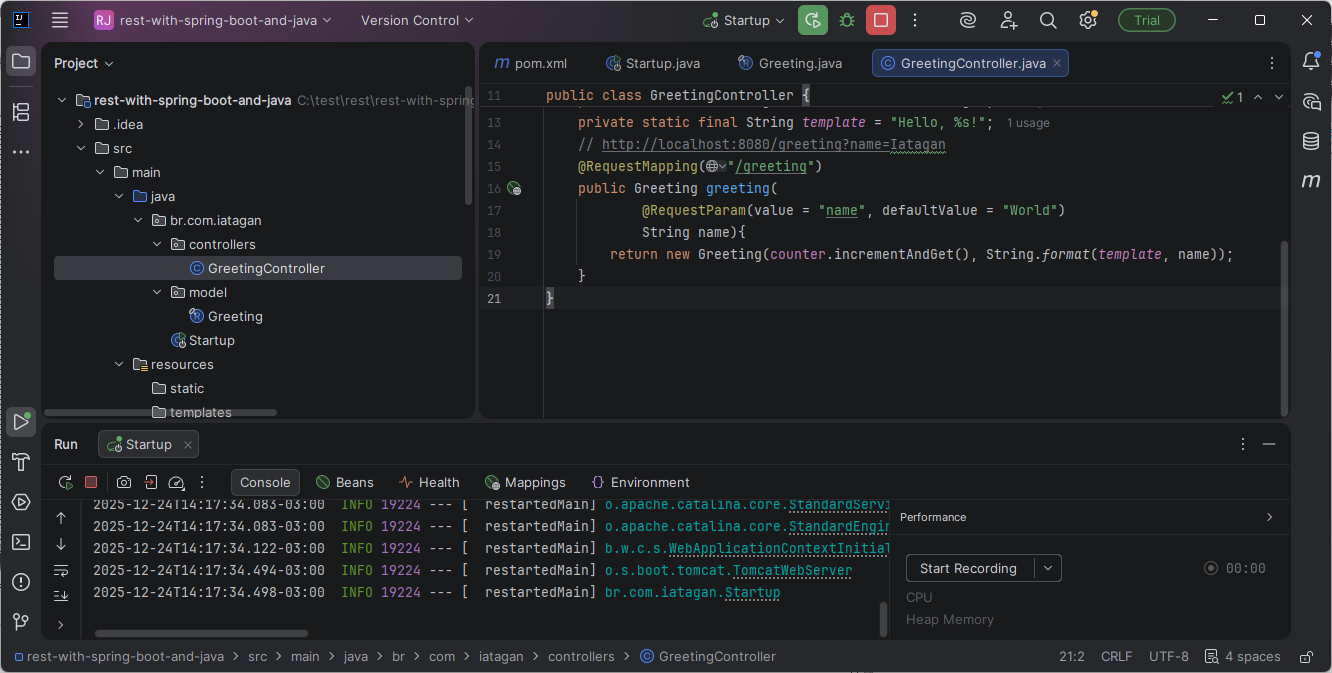
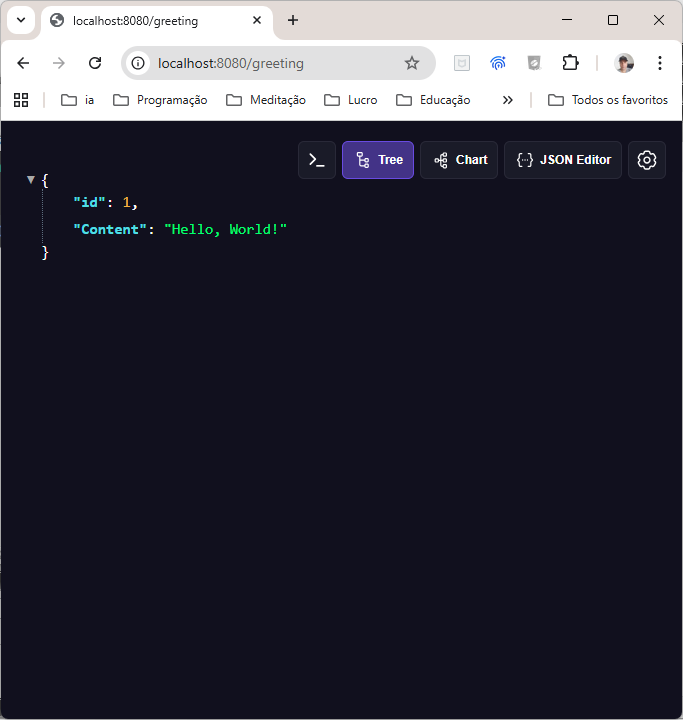
Vá ao seu navegador e digite
localhost:8080/greeting
Dê um enter no navegador
Aí está o JSON "Hello, World!" do REST API criado
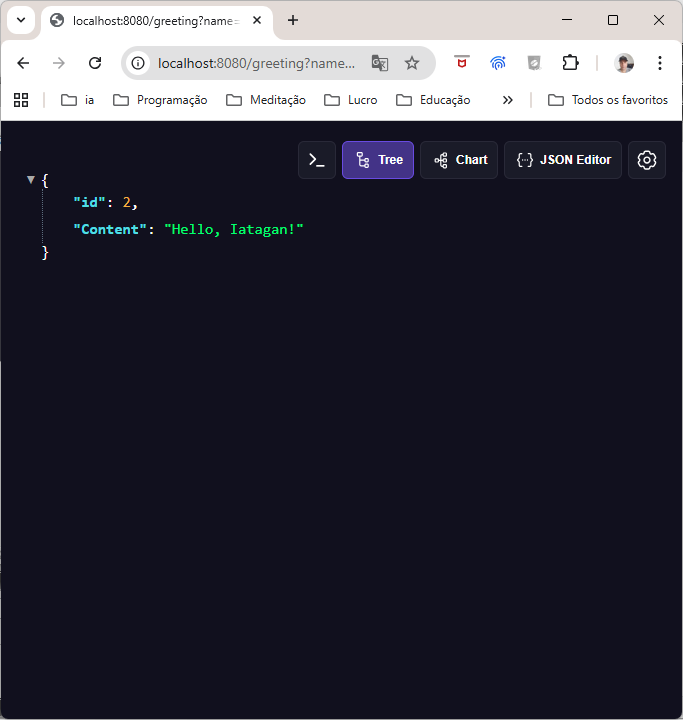
Eu posso passar o parâmetro!
Vá ao seu navegador e digite
localhost:8080/greeting?name=Iatagan
Dê um enter no navegador
Aí está o JSON "Hello, Iatagan!" do REST API criado
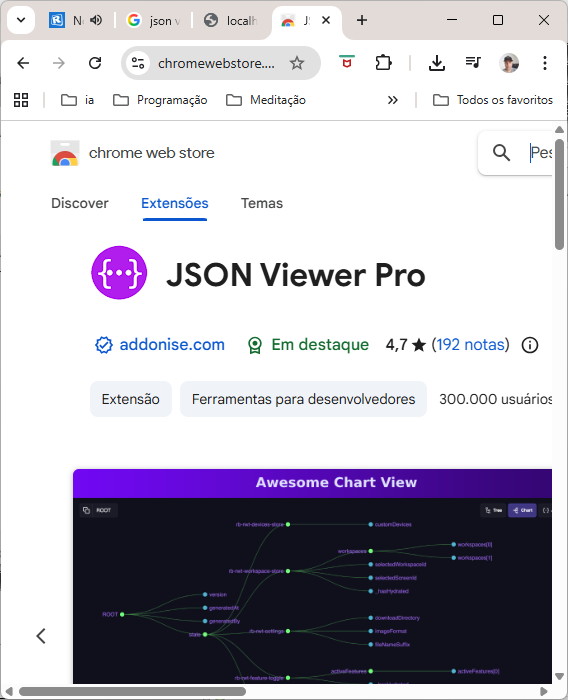
Use o Plugin JSON Viewer no seu navegador
https://chromewebstore.google.com/detail/json-viewer-pro/eifflpmocdbdmepbjaopkkhbfmdgijcc